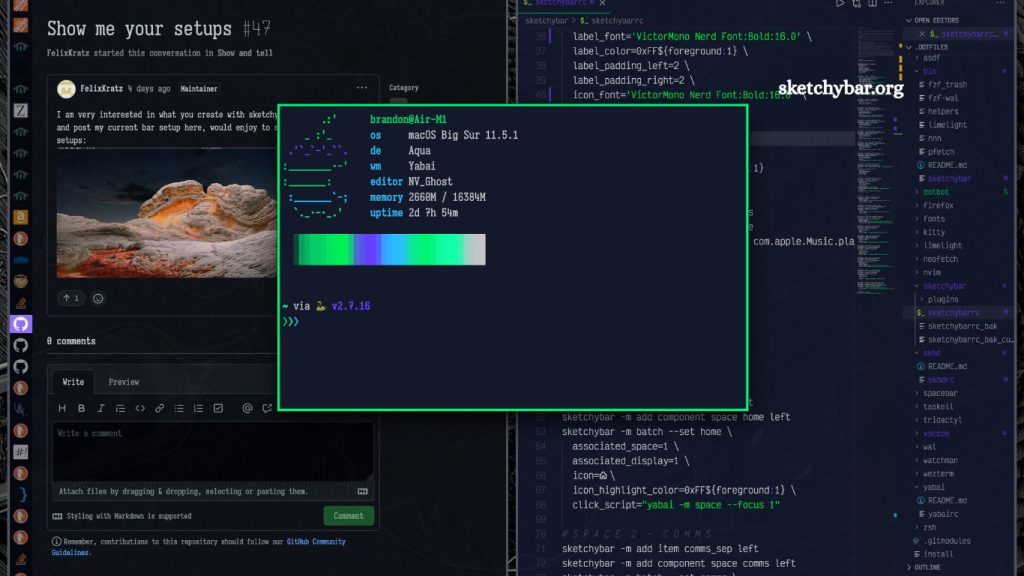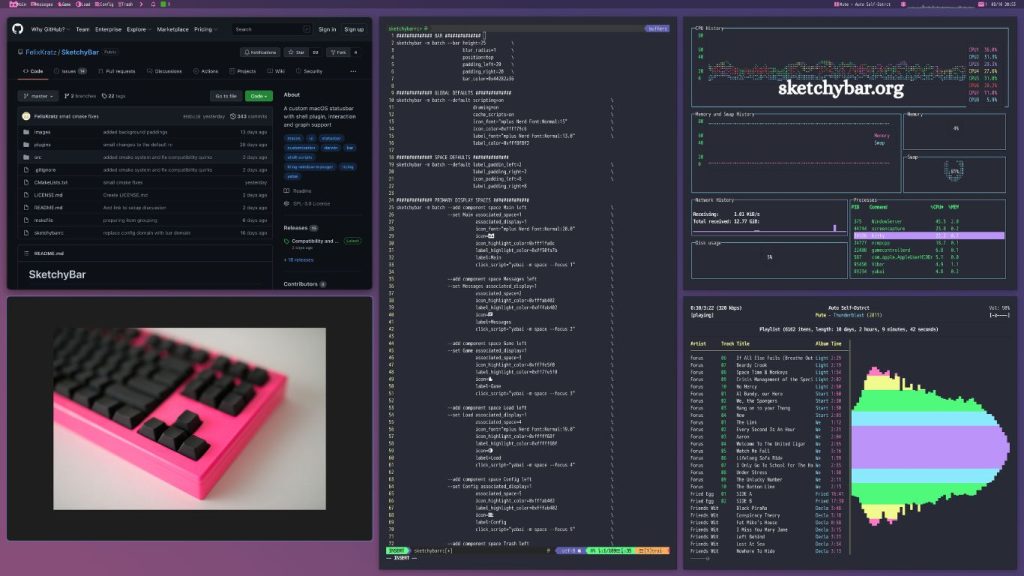
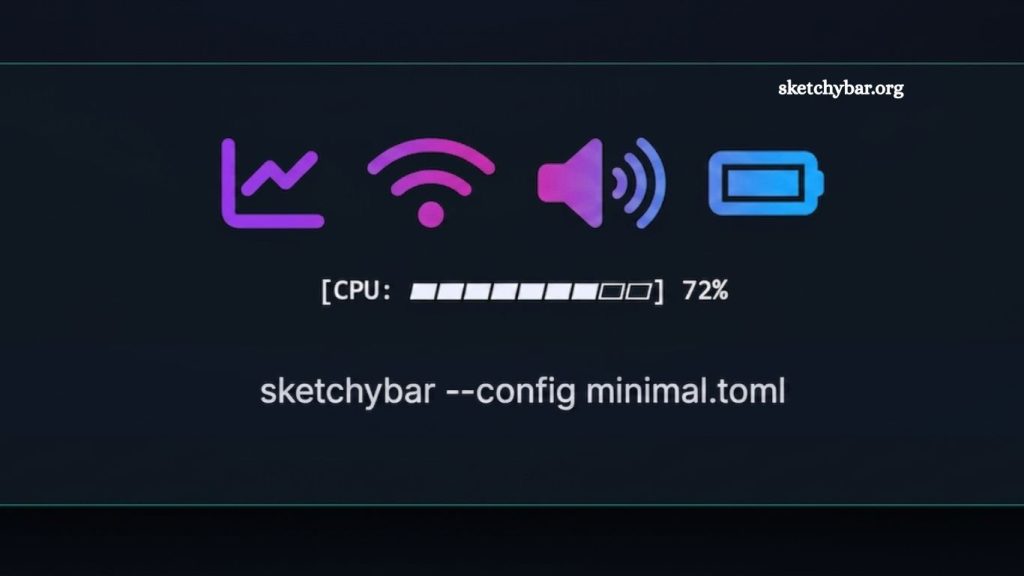
SketchyBar is a modern, highly customizable macOS status bar replacement tool designed for users who want full control over the appearance and functionality of their menu bar. It allows developers, power users, and productivity enthusiasts to create a personalized system bar that displays real-time system information, app status, scripts, and interactive widgets in a clean and minimal interface.
Unlike the default macOS menu bar, which offers limited customization, SketchyBar provides a flexible framework that lets every element be configured, styled, and scripted. It is widely used in developer workflows, especially among users who prefer lightweight, terminal-driven, and automation-friendly environments.
This article explains what SketchyBar is, how it works, its features, benefits, use cases, and why it has become a popular choice for macOS customization.
Understanding SketchyBar
SketchyBar is an open-source macOS menu bar customization tool that replaces or enhances the default system bar. It is built with performance and flexibility in mind, allowing users to design a status bar that fits their exact workflow needs.
Instead of relying on static UI elements, SketchyBar uses a script-driven configuration system. This means users define what appears on the bar using configuration files and shell scripts. The result is a dynamic, responsive, and fully personalized system interface.
Read More: What is SketchyBar?
It is especially popular among developers who use tools like terminal emulators, window managers, and automation utilities to build efficient workflows on macOS.
Key Features of SketchyBar
SketchyBar offers a wide range of features that set it apart from traditional macOS menu bar tools.
Full Customization
Every element in SketchyBar can be customized. Users can adjust colors, fonts, spacing, icons, and layout. This level of control allows for minimal, aesthetic, or highly functional designs.
Scriptable Components
SketchyBar supports shell scripting, enabling real-time updates. Users can display CPU usage, battery status, network speed, weather, or custom application states.
Lightweight Performance
The tool is designed to be efficient and lightweight. It runs smoothly in the background without consuming significant system resources, making it ideal for long-term use.
Modular Design
Each component in SketchyBar is independent. Users can add, remove, or modify modules without affecting the rest of the system.
Integration with macOS Tools
SketchyBar integrates well with macOS utilities and third-party tools, including Hammerspoon, yabai, and other automation frameworks.
Real-Time Updates
System information and scripts update dynamically, ensuring the bar always reflects the current state of the system.
How SketchyBar Works
SketchyBar operates using a configuration-based architecture. Instead of a graphical settings panel, it uses text-based configuration files and scripts.
Users define “items” that represent elements in the bar. Each item can display text, icons, or output from scripts. These items are then grouped and positioned across the bar.
When a script updates a value, SketchyBar automatically refreshes the corresponding element. This allows real-time interaction with system data and applications.
For example:
- A battery script updates the battery percentage every few seconds
- A Wi-Fi module shows connection strength
- A music widget displays the currently playing track
This script-driven approach gives users complete control over behavior and appearance.
Benefits of Using SketchyBar
SketchyBar offers several advantages for macOS users who want more control over their environment.
Improved Productivity
Users can access important system data directly from the menu bar without opening additional applications. This reduces distractions and improves workflow efficiency.
Clean and Minimal Interface
SketchyBar allows users to remove unnecessary clutter and design a clean interface focused only on essential information.
High Flexibility
Unlike fixed UI tools, SketchyBar adapts to the user’s workflow. Developers can tailor it to meet coding, design, or system-monitoring needs.
Automation Friendly
Since it supports scripting, SketchyBar works well with automation tools. It can respond to system events, app changes, or custom triggers.
Open-Source Community
Being open-source, SketchyBar benefits from community contributions, plugins, and shared configurations that help users get started quickly.
Common Use Cases of SketchyBar
SketchyBar is widely used in different workflows, especially in development and power-user environments.
Developer Workflows
Developers use SketchyBar to monitor system performance, Git branch status, build processes, and server connections directly from the menu bar.
System Monitoring
It can display CPU usage, memory consumption, disk space, and network activity in real time.
Aesthetic macOS Setups
Many users customize SketchyBar to match their desktop themes, creating visually appealing and minimal setups.
Productivity Tracking
Users integrate timers, task status, and focus modes into the bar for better time management.
Media Control
SketchyBar can show music playback information and allow basic media controls for apps like Spotify or Apple Music.
Installation and Setup Overview
Setting up SketchyBar requires basic familiarity with the terminal. It is typically installed using package managers or by cloning the repository from its official source.
Once installed, users configure it by editing configuration files. These files define:
- Bar appearance
- Item placement
- Script behavior
- Event handling
After configuration, SketchyBar runs in the background and automatically updates based on defined rules and scripts.
Although setup may seem technical at first, it becomes straightforward once the structure is understood.
SketchyBar vs Default macOS Menu Bar
The default macOS menu bar is simple and fixed. It offers limited customization options and cannot display dynamic system data flexibly.
SketchyBar changes this by introducing:
- Full visual control
- Script-based automation
- Real-time system integration
- Modular UI components
This makes SketchyBar a preferred choice for users who want more than a standard interface.
Why SketchyBar is Popular
SketchyBar has gained popularity due to its balance of performance, customization, and simplicity. It does not rely on heavy graphical interfaces, making it fast and efficient.
The growing interest in personalized developer environments has also contributed to its adoption. Many users combine SketchyBar with tiling window managers and terminal-based workflows for a complete productivity setup.
Its active community and shared configurations make it easy for beginners to learn and for advanced users to push customization further.
Frequently Asked Questions
What is SketchyBar used for?
SketchyBar is used to customize the macOS menu bar, allowing users to display system stats, scripts, and widgets.
Is SketchyBar free to use?
Yes, SketchyBar is an open-source tool and completely free for personal and professional use.
Does SketchyBar work on all macOS versions?
SketchyBar mainly supports modern macOS versions, but compatibility depends on updates and system requirements.
Is SketchyBar difficult to install?
Installation requires basic terminal knowledge, but setup becomes easier with documentation and community guides.
Can SketchyBar show real-time system information?
Yes, it can display live data like CPU usage, battery level, network status, and more using scripts.
Do I need coding knowledge to use SketchyBar?
Basic scripting knowledge helps, but many ready-made configurations are available for beginners.
Is SketchyBar better than the default macOS menu bar?
SketchyBar offers more customization, automation, and control compared to the default macOS menu bar.
Conclusion
SketchyBar delivers a flexible, efficient way to transform the macOS menu bar into a fully customizable workspace. It replaces the limitations of the default interface with a script-driven system that supports real-time data, modular components, and complete visual control. This makes it suitable for developers, designers, and advanced users who want a more functional and streamlined desktop environment.