
Transform Your macOS Menu Bar with SketchyBar
SketchyBar is a lightweight and highly customizable macOS menu bar replacement designed for developers, power users, and desktop customization enthusiasts. Build interactive widgets, automate workflows, monitor system performance, and create a modern productivity focused desktop experience.
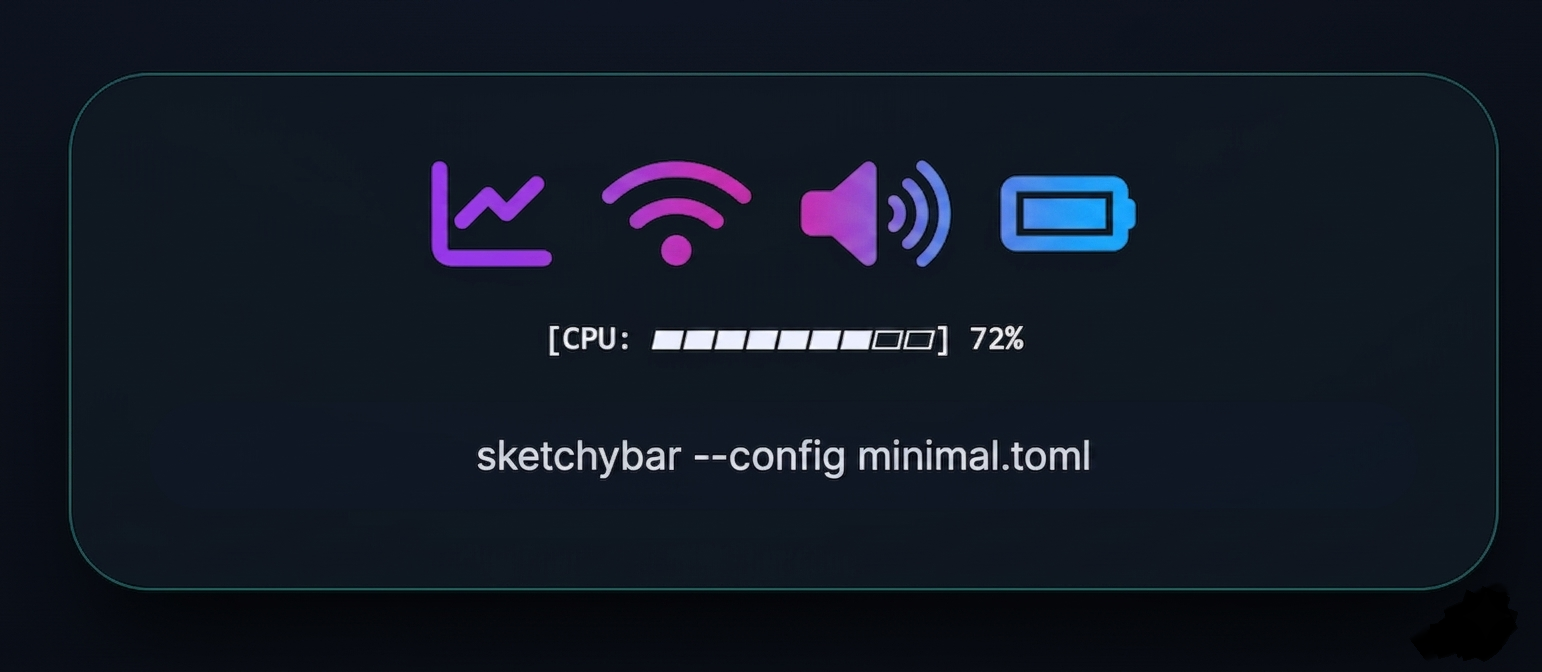
What is SketchyBar?
Event-driven architecture
React to system events, click actions, and custom timers. Build notification centers, media players, or system monitors instantly.
Modern macOS bar framework
SketchyBar isn’t just a bar — it's a rendering engine. Write shell scripts, Python, or Rust to generate dynamic icons, text, and graphs.
Key Features of SketchyBar
Real-Time Widgets
Display live system information directly on your desktop with sleek real-time widgets that update instantly. Monitor performance metrics, media playback, hardware activity, and workspace status without opening additional applications or interrupting your workflow.
Dynamic Updates
Enjoy continuously refreshing data with dynamic updates that keep every widget accurate and responsive. Information changes instantly as your system activity evolves, providing smooth monitoring for multitasking, gaming, productivity, and development environments.
Workspace Indicators
Track active desktops and virtual workspaces using intelligent workspace indicators designed for efficient multitasking. Easily identify open sessions, navigate between workspaces faster, and maintain better organization across multiple windows and applications.
CPU and Memory Monitoring
Analyze system performance in real time with advanced CPU and memory monitoring tools. View processor usage, RAM consumption, workload distribution, and performance spikes to optimize applications, improve efficiency, and prevent resource bottlenecks.
Music Integration
Control and monitor media playback directly from customizable music integration widgets. Display track information, playback progress, album details, and media controls while using supported music players without switching between applications.
Battery Tracking
Stay informed about device power levels with accurate battery tracking widgets. Monitor charging status, remaining percentage, discharge rates, battery health, and estimated runtime to manage power usage efficiently during work or travel.
Just a shell script
Your bar is a single bash file. Read it. Diff it. Version it. Share it.
					#!/bin/bash
# ~/.config/sketchybar/sketchybarrc

sketchybar --bar      height=32           \
                      blur_radius=30      \
                      position=top        \
                      color=0xaa1d1f28    \
                      padding_left=10     \
                      padding_right=10

sketchybar --add item clock right         \
           --set    clock update_freq=10  \
                    icon=                \
                    script="sketchybar --set clock label=\"$(date '+%a %d %b %H:%M')\""

sketchybar --update
How SketchyBar Works
Install & Configure
Install SketchyBar on macOS and configure its appearance, spacing, icons, widgets, and scripts using editable configuration files for complete desktop customization.
Detect System Events
SketchyBar listens for workspace changes, application activity, media playback, battery updates, and hardware events to refresh widgets instantly in real time.
Run Dynamic Scripts
Custom shell scripts collect live system information including CPU usage, memory statistics, music controls, and network data for advanced desktop monitoring.
Display Live Widgets
Real-time widgets appear directly inside the macOS menu bar with animations, workspace indicators, media integration, and personalized visual styling.
Drive the bar from anywhere
Send commands from a Raycast extension, a cron job, or a keyboard shortcut.
					# Trigger a custom event
sketchybar --trigger build_finished STATUS=ok

# Update a single item
sketchybar --set cpu label="42%" icon.color=0xff7aa2f7
					# Subscribe to system events
sketchybar --add event   build_finished
sketchybar --subscribe   cpu system_woke
sketchybar --subscribe   spotify media_change
Use Cases of SketchyBar
Productivity Workspaces
Use SketchyBar to organize multitasking environments with workspace indicators, active application tracking, calendars, reminders, and quick-access widgets for improved productivity and desktop efficiency.
System Performance
Monitor CPU usage, RAM consumption, temperatures, network activity, and battery health directly from the macOS menu bar using lightweight real-time performance widgets and dynamic system scripts.
Developer & Coding
Developers use SketchyBar alongside terminal tools and tiling window managers like yabai to create highly organized coding environments with workspace navigation and system monitoring.
Music & Media Control
Display currently playing songs, album artwork, playback controls, and audio progress directly inside the menu bar for seamless music management without switching applications.
Minimalist Desktop
Customize the macOS status bar with modern themes, gradients, icons, transparency effects, and animated widgets to create clean, aesthetic, and highly personalized desktop setups.
Automation & Scripting
Advanced users automate menu bar behavior with Bash and Lua scripts to create dynamic widgets, custom notifications, weather updates, task tracking, and live data integrations.
Installation Guide
Homebrew (recommended)
brew install sketchybar
Manual build
					git clone https://github.com/FelixKratz/SketchyBar
cd SketchyBar && make install
Minimal config
					# ~/.config/sketchybar/sketchybarrc
sketchybar --add item clock right \
--set clock update_freq=1 script="date '+%H:%M'"
Plugins ecosystem
					brew tap FelixKratz/formulae
brew install sketchybar --with-plugins
Why Choose SketchyBar
Fast Performance
SketchyBar is optimized for speed and responsiveness, delivering smooth animations and instant widget updates without slowing down your macOS environment or interrupting daily workflows.
Minimal Resource Usage
Unlike heavy desktop customization tools, SketchyBar consumes very little CPU and memory while still providing real-time monitoring, live scripting, and highly dynamic menu bar functionality.
Developer Friendly
Developers can fully control SketchyBar through configuration files, shell scripts, and automation tools, making it ideal for advanced workflows, scripting environments, and custom desktop integrations.
Strong Community Support
The active open-source community regularly shares themes, widgets, scripts, integrations, and troubleshooting resources, helping new users quickly build advanced and visually impressive setups.
Unlimited Customization
Customize nearly every visual element including colors, gradients, fonts, icons, spacing, transparency, animations, widget placement, and workspace indicators to create a fully personalized macOS interface.
Stable macOS Integration
SketchyBar integrates deeply with macOS system events, workspace managers, hardware monitoring tools, and media applications to provide reliable real-time functionality and long-term desktop stability.
SketchyBar vs Alternatives
Compare SketchyBar with other popular macOS status bar and customization tools to understand performance, flexibility, scripting support, and real-time monitoring capabilities.
| Feature | SketchyBar | Übersicht | xbar | Default macOS Bar |
|---|---|---|---|---|
| Performance | Ultra Fast | Moderate | Good | Basic |
| Resource Usage | Very Low CPU & RAM Usage | Higher Resource Usage | Low Usage | Minimal Features |
| Customization | Unlimited Styling & Widgets | Moderate Customization | Plugin Based | Very Limited |
| Workspace Indicators | Advanced Native Support | Limited | No | No |
| Music Integration | Real-Time Media Controls | Basic Widgets | Plugin Dependent | Minimal Controls |
| Scripting Support | Bash, Lua & Automation | JavaScript Widgets | Script Plugins | No Scripting |
| Animations | Smooth Native Animations | Limited Effects | Minimal | No Animations |
| macOS Integration | Deep System Integration | Moderate | Good | Default Native |
| Community Support | Strong Open-Source Community | Moderate | Active Plugins | Official Apple Support |
SketchyBar Troubleshooting
Bar Not Showing
If the SketchyBar menu bar is missing after installation, check macOS system settings and disable “Menu Bar Only” mode. Restart SketchyBar using Terminal commands and verify that the service is running correctly in the background.
Script Not Updating
Widgets may stop refreshing if the script path or execution permissions are incorrect. Use the command sketchybar –trigger to manually refresh widgets and verify the script shebang path matches the installed shell environment.
High CPU Usage
Excessive CPU consumption usually happens when widgets refresh too frequently or scripts contain infinite loops. Reduce the update_freq value for non-essential widgets and optimize heavy scripts for better system performance.
No Click Actions Working
Interactive widgets require Accessibility permissions on macOS. Open Security & Privacy settings, enable Accessibility access for your terminal or SketchyBar process, then restart the application to activate click events properly.
Notch Overlap Problems
On MacBooks with display notches, widgets can overlap with the camera area if spacing is not configured properly. Use –bar padding_left=12 padding_right=12 along with notch detection settings for balanced alignment.
JSON Parser Errors
Some advanced widgets use JSON output for dynamic updates. Ensure all scripts generate valid JSON syntax and properly formatted output using sketchybar -m commands to prevent parser or rendering issues.
What Peoples Say
Frequently Asked Questions (FAQs)
What is SketchyBar?
SketchyBar is a highly customizable macOS status bar replacement that allows users to create dynamic widgets, workspace indicators, system monitors, and animated desktop integrations directly inside the menu bar.
Is SketchyBar free to use?
Yes, SketchyBar is completely free and open source. Users can download, modify, and customize it according to their workflow and desktop preferences without purchasing a license.
Which operating systems support SketchyBar?
SketchyBar is designed specifically for macOS systems and works best on modern macOS versions with support for advanced scripting and desktop customization features.
Can SketchyBar display CPU and memory usage?
Yes, SketchyBar can monitor CPU load, RAM usage, temperatures, battery information, network activity, and other system statistics using custom scripts and widgets.
Does SketchyBar support workspace indicators?
Yes, it integrates with workspace managers like yabai to display active desktops, focused windows, and workspace switching indicators in real time.
How customizable is SketchyBar?
Users can customize colors, icons, fonts, spacing, transparency, animations, gradients, widget positioning, and scripting behavior to create completely personalized menu bar layouts.
Does SketchyBar use a lot of system resources?
No, SketchyBar is optimized for lightweight performance and generally uses minimal CPU and memory resources even with multiple active widgets and scripts running simultaneously.
Can I use custom scripts with SketchyBar?
Yes, SketchyBar supports Bash, Lua, and shell scripting for creating advanced widgets, automation systems, notifications, and dynamic menu bar integrations.
Is SketchyBar suitable for developers?
Absolutely. Developers commonly use SketchyBar for coding workflows, workspace management, terminal integration, system monitoring, and automation within productivity-focused desktop environments.
Does SketchyBar support music integration?
Yes, SketchyBar can display currently playing songs, playback controls, album artwork, progress indicators, and media information from supported music applications.
How do I install SketchyBar?
Most users install SketchyBar using package managers like Homebrew and configure it through text-based configuration files and shell scripts.
Can SketchyBar replace the default macOS menu bar?
SketchyBar enhances and customizes the menu bar experience but typically works alongside the native macOS menu bar system rather than completely replacing it.
Does SketchyBar support animations?
Yes, the software includes smooth animations, transitions, hover effects, and dynamic widget updates for a modern and responsive desktop appearance.
Why is my SketchyBar not showing?
This usually happens because of missing permissions, incorrect startup configuration, or menu bar settings. Restarting the service and checking Accessibility permissions often resolves the issue.
Can SketchyBar work on MacBooks with notches?
Yes, SketchyBar includes padding and positioning settings to properly align widgets around display notches on newer MacBook models.